RAZ Vape Instructions
Every RAZ is draw-activated: put it to your lips and inhale, no button needed. Devices ship on and wake on draw. Models with a button (LTX 25K, RX 50K, VUE base) use it for power modes and a rapid triple-press to turn off and on. Charge any model over USB-C with a standard cable and a 5V block.



Unboxing and First Draw
RAZ boxes are simple: the device, and a scratch-off code under the flap. There is no cable, no wall block and no printed RAZ vape manual worth the name, which is why so many people search for RAZ vape instructions after they get home. Here is what to do in the first two minutes.
- Check the code. Inside the box flap there is a scratch-off authentication code. You can check it on the manufacturer's verification page; a first-time check shows valid. Our verify a RAZ vape guide walks through it.
- Pull the stickers. Many units ship with a sticker over the mouthpiece, and on the TN9000 sometimes over the airflow slider. Peel anything covering an opening.
- Look at the screen. Screened models (TN9000, LTX 25K, RYL 35K, RX 50K and the VUE base) show battery and liquid level. A new device usually arrives with a partial charge, not a full one.
- Take three firm draws. The first draw on a new coil can feel light. By the third it should be normal. Do not blow into the mouthpiece.
- Top up the battery. If the screen shows low, plug it into any USB-C cable and a 5V block. Our charging guide lists charge times for each model, from the TN9000 up to the RAZ vape pod charger base on the VUE.
People who search "how to use raz vape" often expect something complicated. That is really all it takes. The rest of this page covers turning devices on and off, what the button does on each model, and how to read the screen so you know when it is time to charge and when a device is simply finished.
How to Turn On a RAZ Vape
The short answer to how to turn on a RAZ vape: you usually do not have to. Every RAZ ships powered on and wakes the moment you draw on it. There is no fire button on any model, so the draw itself is the switch. If a device is new and does not respond, the cause is almost always a sticker over the airflow or mouthpiece, a battery that shipped low, or a first draw that was too gentle. Peel, charge for 20 minutes, and take three firm draws.
The only time you actively turn a RAZ on is after it has been powered off with the button. On screened models that have a mode or power button (the LTX 25K, the RX 50K and the VUE base), a rapid triple-press toggles the device between off and on. Press the button three times quickly, watch the screen light, and then draw as normal. If the screen was already lit, the same triple-press turns it off, so pay attention to what the screen does.
Models with no button cannot be powered on or off by hand. They sleep between draws and wake on the next inhale. If a buttonless RAZ shows no screen and no vapor, it is either drained or empty. A drained cell needs 15 to 30 minutes on a USB-C cable before the screen wakes up; an empty tank will not fire at all. Read the liquid indicator before you assume a fault.
How to Turn Off a RAZ Vape
People ask how to turn off a RAZ vape for two reasons: to stop it firing in a bag, and to save battery. The answer depends on whether your model has a button.
LTX 25K, RX 50K and VUE base: press the button rapidly three times. The screen goes dark and the device will not fire until you triple-press again. This is the correct way to carry one in a purse or pocket where fabric could press on the mouthpiece. On the RX 50K you also have a lock: hold the mode button to lock the device without powering it off, and hold again to unlock. Lock is handy when you want the screen and the mode to stay as they are but want to stop accidental firing.
TN9000 and RYL 35K: these have no power-off. They sleep on their own between draws and wake on the next inhale, so there is no off switch to look for. For carry, the practical steps are to keep the mouthpiece clear of anything that could pull air through it and to store the device upright. The RYL 35K's strap loop exists for exactly that: hang it rather than burying it under keys.
One thing that is not a RAZ pattern: auto-firing. A RAZ should never produce vapor without a draw. If yours does, powering it off is not a fix. Stop using it and contact support with your order number and a short video. We cover that and every other fault on the RAZ vape not working page.
Per-Model RAZ Instructions
The basics are identical across the line: draw to fire, USB-C to charge, a screen to read. The differences are in the extras. Here is the RAZ vape how to use rundown for each device we sell.
RAZ TN9000: airflow slider and single mode
The RAZ TN9000 is the lightest RAZ and the one most people learn on, so "how to use raz vape 9000" and "raz tn9000 how to use" are among the most common questions we see. It has one power mode and no button, so there is nothing to press. The one control is the airflow slider on the base. Slide it toward closed for a tighter, more restrictive pull with warmer vapor, or toward open for an airy draw. If the device feels like it is not hitting at all, check that slider first; a fully closed slider blocks the draw sensor.
The screen shows battery and e-liquid level. The 650 mAh cell charges from low in under an hour on a standard 5V block. When the liquid indicator reaches zero the device is done; it cannot be refilled. The TN9000 platform is also sold as a factory zero-nicotine line, and the hardware works exactly the same way, so these instructions apply to the RAZ zero nicotine versions too.
RAZ LTX 25K / DC25000: Standard and Boost
The RAZ LTX 25K, which many stores list as the DC25000, adds a button and two power modes. A single press switches between Standard and Boost, and the screen shows which one is active. Standard delivers the full 25,000 rated puffs. Boost runs the dual mesh coil warmer for denser vapor and uses roughly a third more liquid per puff, so the tank finishes sooner. A rapid triple-press powers the device off and on.
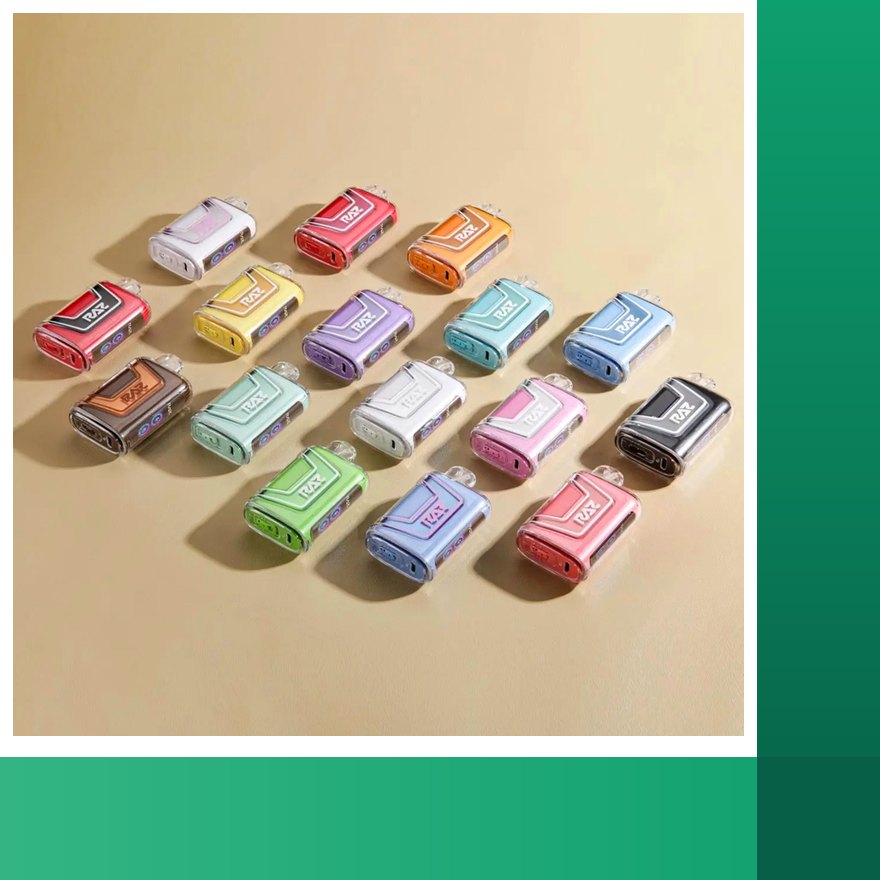
The 0% LTX works identically; a non-nicotine RAZ has the same button, modes and triple-press.The screen shows battery and liquid as separate readouts. The 800 mAh cell takes roughly an hour to fill (RAZ publishes no figure). Because the LTX has the widest flavor menu of any RAZ device, it is also where most new flavors debut; if you want to see what is in stock right now, browse every RAZ bar flavor by device.
RAZ RYL Classic 35K: the purse vape
The RAZ purse vape is the RYL Classic 35K, with a leather-finish polymer shell, stitching detail and a strap loop. It is draw-activated with no button, so there is no mode to set and no power-off. The screen shows battery and liquid. The 900 mAh cell charges in roughly an hour (RAZ publishes no figure), and the USB-C port sits in the shell seam on the base edge, which takes a second to find the first time.
The one instruction specific to the RYL is port hygiene. Because it is carried in bags, lint packs into the seam port and is the most common fault report we get for this model. Clear it with a wooden toothpick or a dry soft brush before you plug in, and never use anything metal. The RYL comes in two lineups, Spring Collection and Regular Edition, one flavor per device; when a flavor sells through it goes out of stock until restocked.
RAZ RX 50K Dew Edition: three modes and a lock
The RAZ RX 50K has the most controls of any RAZ. A short press of the button cycles Normal, Boost and Super Boost. Normal gives the full 50,000 rated puffs. Boost cuts that to about half. Super Boost cuts it to about 40 percent. Holding the button locks the device; hold again to unlock. The screen shows the current mode, battery and liquid, so you can always see which mode you left it in.
If the RX seems to be running through liquid faster than you expected, check the mode on the screen; Super Boost is easy to land on with an extra press. The 800 mAh cell takes roughly an hour (RAZ publishes no figure) to charge. The flavor names on this model come in "Batch" and "Code" families. Code Blue, Code Green and the rest are flavor names, not verification codes, so do not look for them on the authentication page.
RAZ VUE 50K: seating the pod
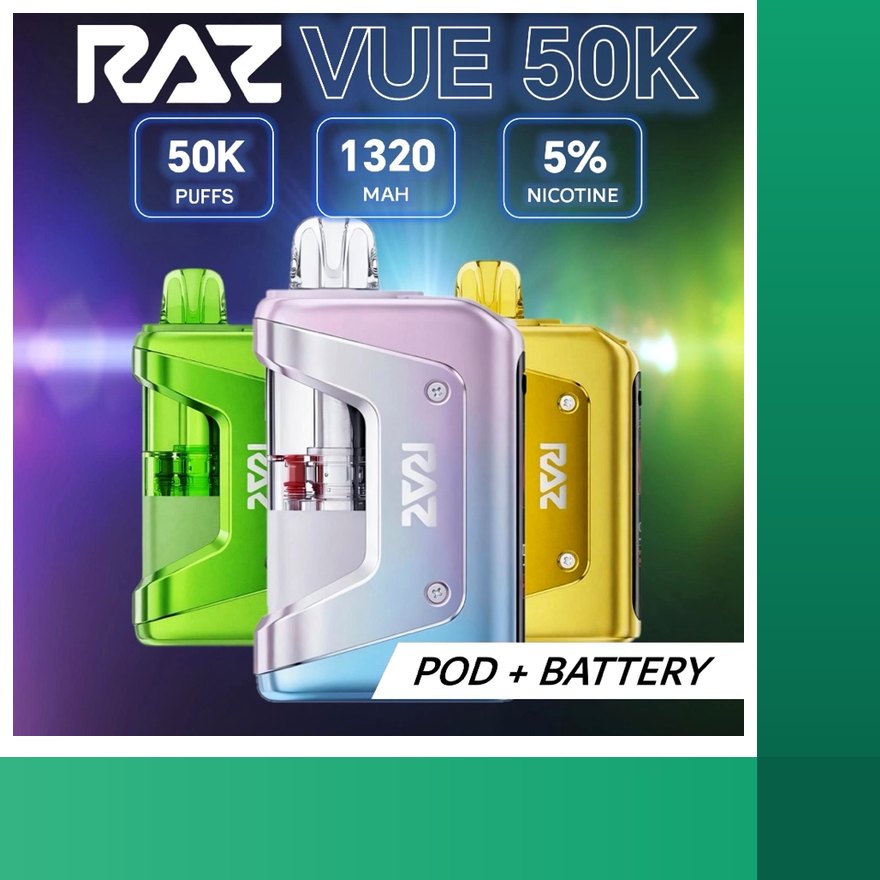
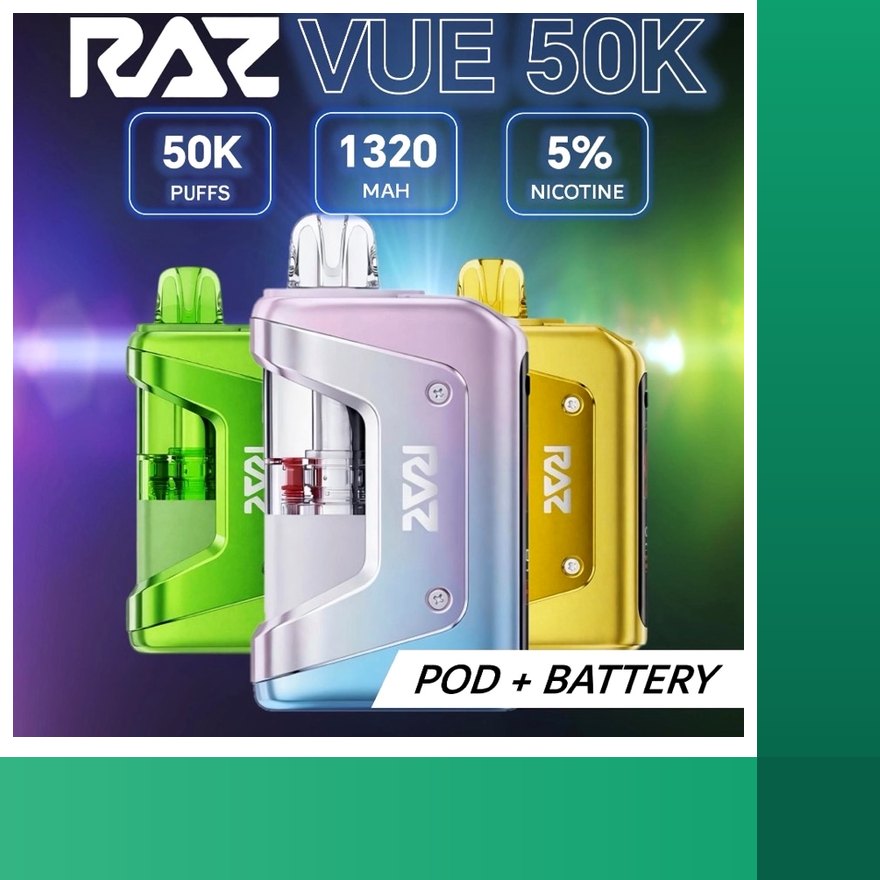
The RAZ VUE 50K is the newest RAZ platform and works differently from the rest. It is a two-part kit: a rechargeable 900 mAh base you keep, and a pre-filled 13 mL magnetic pod rated for 50,000 puffs. To use it, line the pod up with the base and push until it clicks. The pod is keyed, so it seats one way only; if it will not go on, rotate it. A magnet holds it. The screen in the base registers the pod within a second, the liquid readout resets for the new pod, and the battery percentage carries over.
A rapid triple-press of the base button powers it off and on. The pod has a small 420 mAh cell but no port, so only the base is plugged in and it charges the pod through the magnets, over USB-C in roughly an hour (RAZ publishes no figure). When a pod is empty, pull it off and snap on a fresh one from the RAZ VUE pods page. Half-used pods can sit upright in a drawer. Clean the two base contacts with a dry brush every so often so each new pod makes good contact. VUE pods fit only the VUE base.
Reading the Screen
Every current RAZ has a screen, and learning to read it is most of what a RAZ vape manual would teach you. The two readouts that matter are battery and liquid.
| Model | Screen shows | Button | Power off |
|---|---|---|---|
| TN9000 | Battery, liquid | None (airflow slider only) | Sleeps automatically |
| LTX 25K / DC25000 | Battery, liquid (separate), Standard or Boost | Press: mode · triple-press: off/on | Triple-press |
| RYL Classic 35K | Battery, liquid | None | Sleeps automatically |
| RX 50K Dew Edition | Mode, battery, liquid | Press: mode · hold: lock · triple-press: off/on | Triple-press or lock |
| VUE 50K base | Battery (carries over), liquid (per pod) | Triple-press: off/on | Triple-press |
Battery readout. When it shows low, charge. When it shows a percentage while plugged in, the device is charging. If it shows nothing at all when plugged in, swap the cable and give it 15 to 30 minutes.
Liquid readout. This is the one people misread. When the liquid indicator reaches zero, the device (or on the VUE, the pod) is finished. RAZ tanks are sealed and cannot be refilled. A device with a full battery and zero liquid will not fire, and that is not a fault. On the LTX and RX, remember that Boost modes reach zero sooner than the rated puff count suggests. On the RAZ VUE 50K kit a finished pod means a new pod, not a new device. Snap on a RAZ VUE refill and the liquid readout resets while the battery reading carries over.
Mode indicator. On the LTX 25K and RX 50K, the screen tells you which mode is active. If the draw suddenly feels warmer or the tank is dropping faster, check this before anything else. A stray press changes the mode.
Storage
How you store a RAZ between uses affects whether it leaks and how well the battery holds up.
- Keep it upright. Storing a device face down or on its side lets liquid work toward the mouthpiece and the airflow path. Upright is the single best habit.
- Keep it out of heat. A hot car is the most common cause of a leaking RAZ. Heat thins the liquid and pushes it past the coil. It is also hard on the battery.
- Power off models that have a button before they go in a bag. Triple-press the LTX 25K, RX 50K or VUE base. Lock the RX if you prefer to keep the mode set.
- Charge before long gaps. A cell left flat for days wakes slowly. If you are putting a device away for a while, leave it with some charge.
- Store VUE pods upright and sealed. A half-used pod is fine in a drawer. There is nothing electrical in it to worry about.
- Keep ports clean. Especially the RYL 35K's seam port. A dry brush is all it takes.
A note on which device to pick if you carry it all day: the TN9000 is the most pocketable, the RYL 35K was designed for bag carry with its strap loop, and the RX 50K's hold-to-lock is the most reliable way to prevent accidental firing. We keep the whole line in stock, and if you are still deciding, the full RAZ bar lineup on our home page shows what is available right now. If you would rather pick one up locally, our RAZ vape near me page explains which models counters actually carry.
When to Move to the Troubleshooting Page
These RAZ vape instructions cover normal operation. If you have followed them and the device still is not behaving, it is time for the troubleshooting page rather than more instructions. Go there if:
- The screen never lights, even after 30 minutes on a known-good USB-C cable and 5V block.
- The device is not working after charging even though the battery readout shows charge and the liquid readout is above zero.
- The light blinks or the screen flashes and a charge does not clear it.
- You taste burnt vapor with liquid still showing on the screen.
- Liquid is coming out of the mouthpiece or the airflow.
- A VUE pod is seated and clicked but the base does not register it.
- The device fires without a draw. Stop using it immediately.
Before you go, check the two things that resolve most tickets: is the liquid readout above zero, and have you swapped the cable? If both check out, the troubleshooting page has a symptom-by-symptom walkthrough and tells you exactly what to send support (order number plus a short video) so we can resolve it in one message. If a device arrived dead, report it within 3 days of delivery with a photo or video; a verified fault is replaced free in your next order under the return policy.
RAZ Instructions FAQ
How do I turn on a RAZ vape?
RAZ devices ship on and wake when you draw. There is no fire button. If a screened model has been powered off with a triple-press, press the mode or power button rapidly three times to turn it back on, then draw.
How do I turn off a RAZ vape?
On models with a button (LTX 25K, RX 50K and the VUE base), press the button rapidly three times and the device powers off. Repeat to turn it on. Models without a button cannot be powered off; they go to sleep on their own and wake on the next draw.
Do I need to press anything to take a hit?
No. Every RAZ is draw-activated. Put the mouthpiece to your lips and inhale. The device fires while you draw and stops when you stop.
How do I use a RAZ TN9000?
Remove any sticker over the mouthpiece or airflow, take a steady draw, and adjust the airflow slider on the base for a tighter or looser pull. The screen shows battery and liquid level. Charge over USB-C when the battery reads low.
What does the button on the LTX 25K do?
A single press switches between Standard and Boost mode, and the screen shows which mode is active. Boost is warmer and denser and uses roughly a third more liquid per puff. A rapid triple-press powers the device off and on.
How does the lock work on the RAZ RX 50K?
Hold the mode button to lock it, and hold again to unlock. A short press cycles Normal, Boost and Super Boost. The screen shows the current mode along with battery and liquid.
How do I put a pod on the RAZ VUE?
Line the pod up with the base and push until it clicks. It is keyed, so it only seats one way, and a magnet holds it. The screen registers the pod within a second and the liquid readout resets for the new pod.
Is there a printed RAZ vape manual?
RAZ boxes do not include a detailed manual, which is why this page exists. Everything here comes from how the devices actually operate: draw-activated, USB-C charging, a button only on models that have modes, and a screen for battery and liquid.
Most Requested at RAZ Vape Bar
- nicotine free RAZ vapes: every factory 0% RAZ SKU with live stock, same hardware and flavors as the 5% units.
- RAZ pods near me: what counters actually carry, and why most people order here instead. Ships within 1 business day.
- RAZ VUE 50K kit: keep the 900 mAh base, swap the 13 mL pod.
- RAZ refill pods: pre-filled 50,000 puff pods for the VUE base, sold singly.